
How to Log In to an Outlook Account: Web Sign-In or OAuth2 Token
October 19, 2026
BuyOutlookAccounts Support Desk· Customer support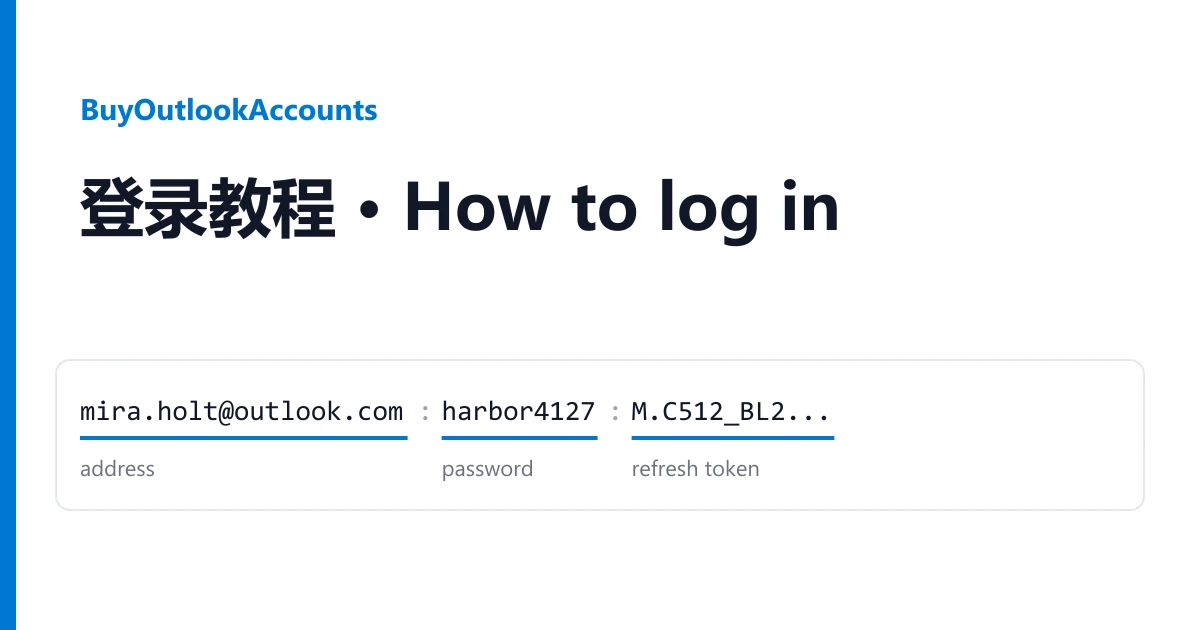
An Outlook account from BuyOutlookAccounts can be opened two ways. A person signs in on the web with the address and password. A program reads the mailbox through Microsoft's API with the token in the same line. Decide which one you need, and use only the fields that route asks for.
Reading your line
Your accounts are on your order page, one per line, fields separated by | or :.
mira.holt2041@outlook.com|harbor4127|M.C512_BL2.0.U.-Cq7Lx...|3b7c1e90-5d2a-4f6e-9a1c-0e8d4b2f7a65
address | password | refresh token | client id
The refresh token is the long string starting with M.C5. Many listings also give a client id, and a few add a recovery email at the end.
Route 1: sign in on the web
- Open outlook.live.com and choose Sign in. Enter the address, then the password.
- If Microsoft asks you to add security info and offers to skip, choose skip. Listings marked "Skip 7 days" are sold with this pass.
- If it keeps asking for a recovery email, open outlook.live.com/mail/0/ in the same browser. You are already signed in, and the inbox opens.
Route 2: a mail program or your own code
The refresh token is for programs that read mail through Microsoft's API: IMAP, POP3 or SMTP with OAuth2, or Graph. Give the program the address, the refresh token and the client id. The password is not used on this route.
When it does not work
"Wrong password" on the web. Copy the password field on its own. A stray | or space from the line is the usual cause.
The program rejects the token. Check it was copied whole. It contains * and !, which some editors break at.
The listing says LOCKED. Those accounts are sold locked, and Microsoft shows an unlock screen at first sign-in. That is the stated condition, not a fault.
Warranty
If an account does not work the way its listing says, open a ticket from your order page within the warranty window shown on the listing. Name the account and attach a screenshot. It is replaced from the same listing, or refunded if the listing has run out. Signing in never voids the warranty. Bans caused by bulk or automated activity are not covered. Need more? Every listing is in the catalogue.